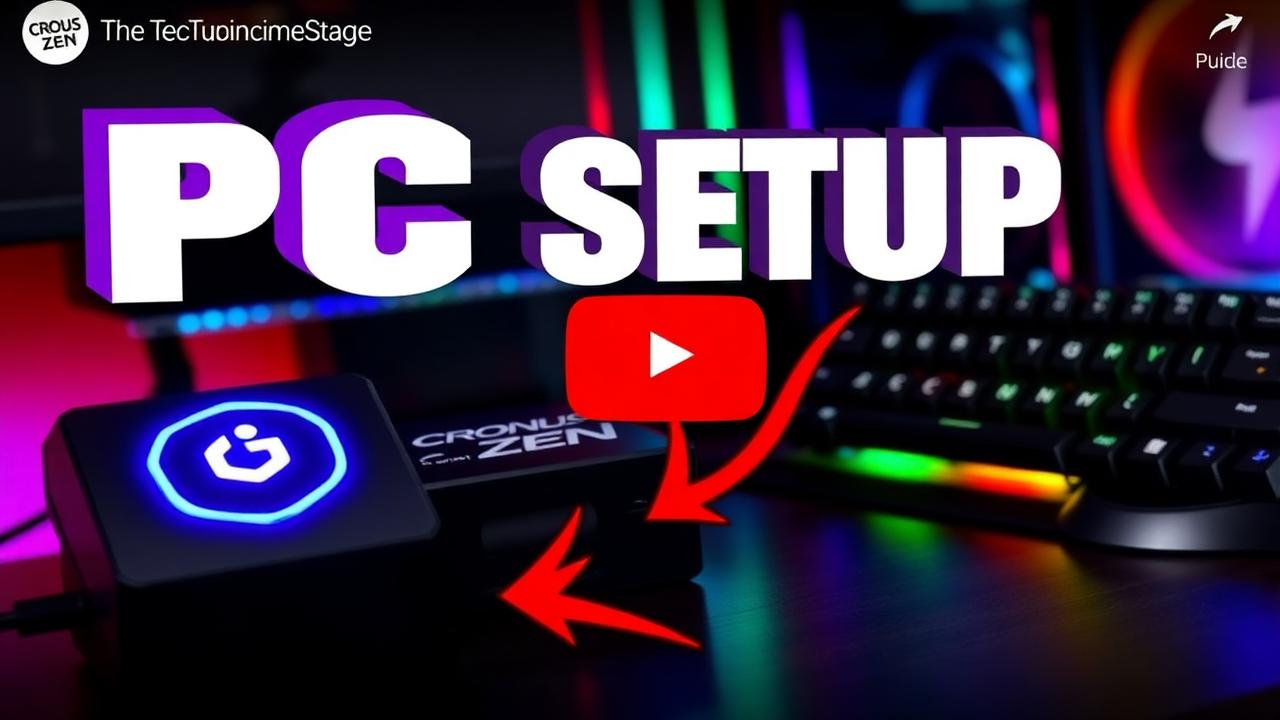

On PC the Zen presents itself to Windows as a controller. The only real configuration decision is which output protocol to emulate — get that right and everything else is identical to console.
Wiring and protocol
- PC USB port → Zen rear (PROG) port
- Your controller → Zen front (A) port
- In Zen Studio, set output protocol to match your controller (Xbox 360 output is the most broadly compatible for 2K)
- Confirm Windows detects a single controller, not two
Steam and launcher settings
- Disable Steam Input for NBA 2K — double-handling causes dropped and duplicated inputs
- Close any other controller remapping software (DS4Windows, reWASD) before playing
- Set NBA 2K's input device explicitly rather than leaving it on auto-detect
Verify before you queue
- Load MyCourt or a practice court
- Take twenty standing catch-and-shoot attempts
- Take ten off-dribble attempts and ten fades
- If greens are inconsistent on PC, confirm your shot-meter setting matches the profile you generated
Running Peak? Re-run the plug-and-play profile setup any time you change jumpshot or build.
Ready to stop missing?
Peak is the #1 ranked Cronus Zen script for NBA 2K27 — 4.9★ from 1,170+ verified reviews and 21,000+ active users.
Frequently asked questions
Which output protocol should I use on PC?
Match the protocol to your controller — Xbox 360 output is the most broadly compatible for NBA 2K on Windows.
Does Steam interfere with the Zen?
Steam Input can double-handle the controller. Disable Steam Input for NBA 2K if inputs behave unpredictably.
Can I use keyboard and mouse?
The scripts target controller input, so a controller through the Zen is required.