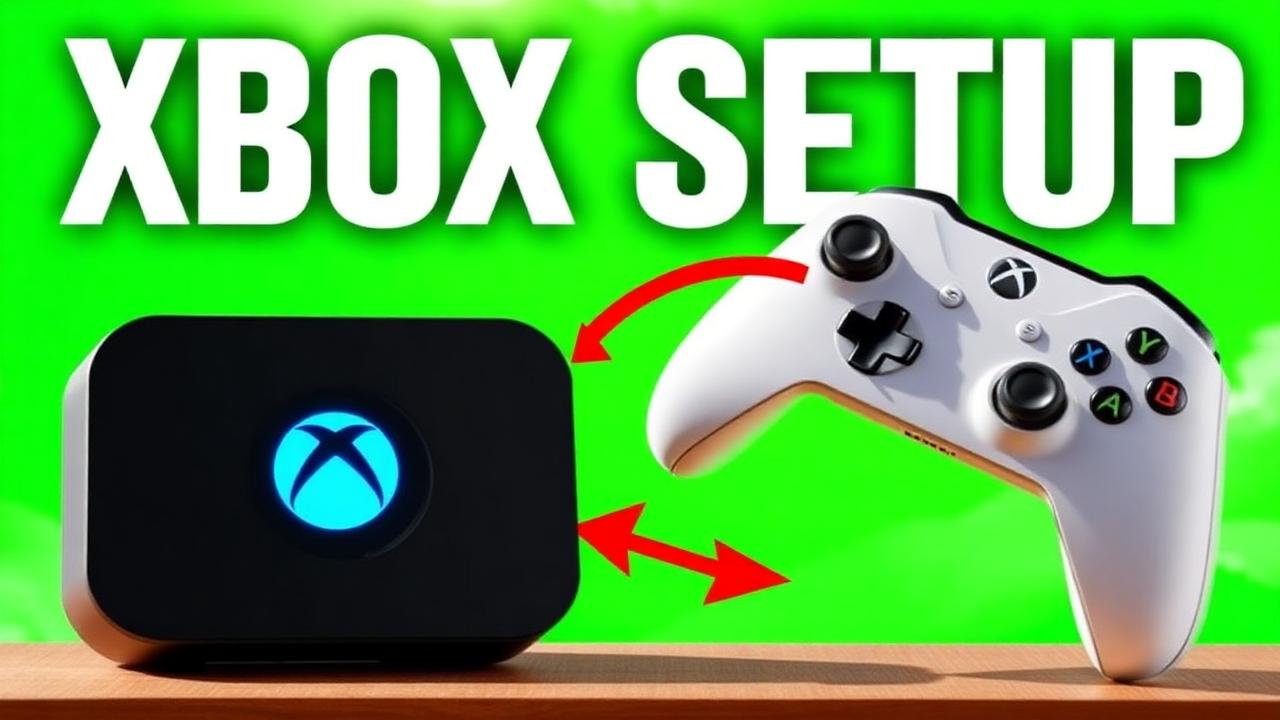

Xbox accepts the Cronus Zen passthrough directly, which makes this the fastest setup in the niche. Total time from unboxing to your first greened jumper is under ten minutes.
Wiring order
- Xbox USB port → Zen rear (PROG) port
- Xbox Wireless Controller → Zen front (A) port by USB
- Wait for the Zen display to show the active slot number
- Confirm dashboard navigation works before launching 2K
Xbox-specific notes
- Power-cycle the console fully after the first connection — it clears stale controller pairing state
- Use the front USB port on the console if the rear ports are behind a hub
- Keep the controller firmware current through the Xbox Accessories app
Verify before you queue
- Load MyCourt or a practice court
- Take twenty standing catch-and-shoot attempts
- Take ten off-dribble attempts and ten fades
- If greens are inconsistent on Xbox, confirm your shot-meter setting matches the profile you generated
Running Peak? Re-run the plug-and-play profile setup any time you change jumpshot or build.
Ready to stop missing?
Peak is the #1 ranked Cronus Zen script for NBA 2K27 — 4.9★ from 1,170+ verified reviews and 21,000+ active users.
Frequently asked questions
Does Xbox need a bypass?
No. Xbox Series X|S and Xbox One accept the Zen passthrough directly — it's the simplest of the three setups.
Do I need a wired controller?
Yes, the controller connects to the Zen's front port by USB.
Will a firmware update break it?
Rarely. When it does, Cronus ships a device firmware update within days.